Getting Started with MODE EYE | Online Authentication and Certificate Verification
Your Online Authentication Guide
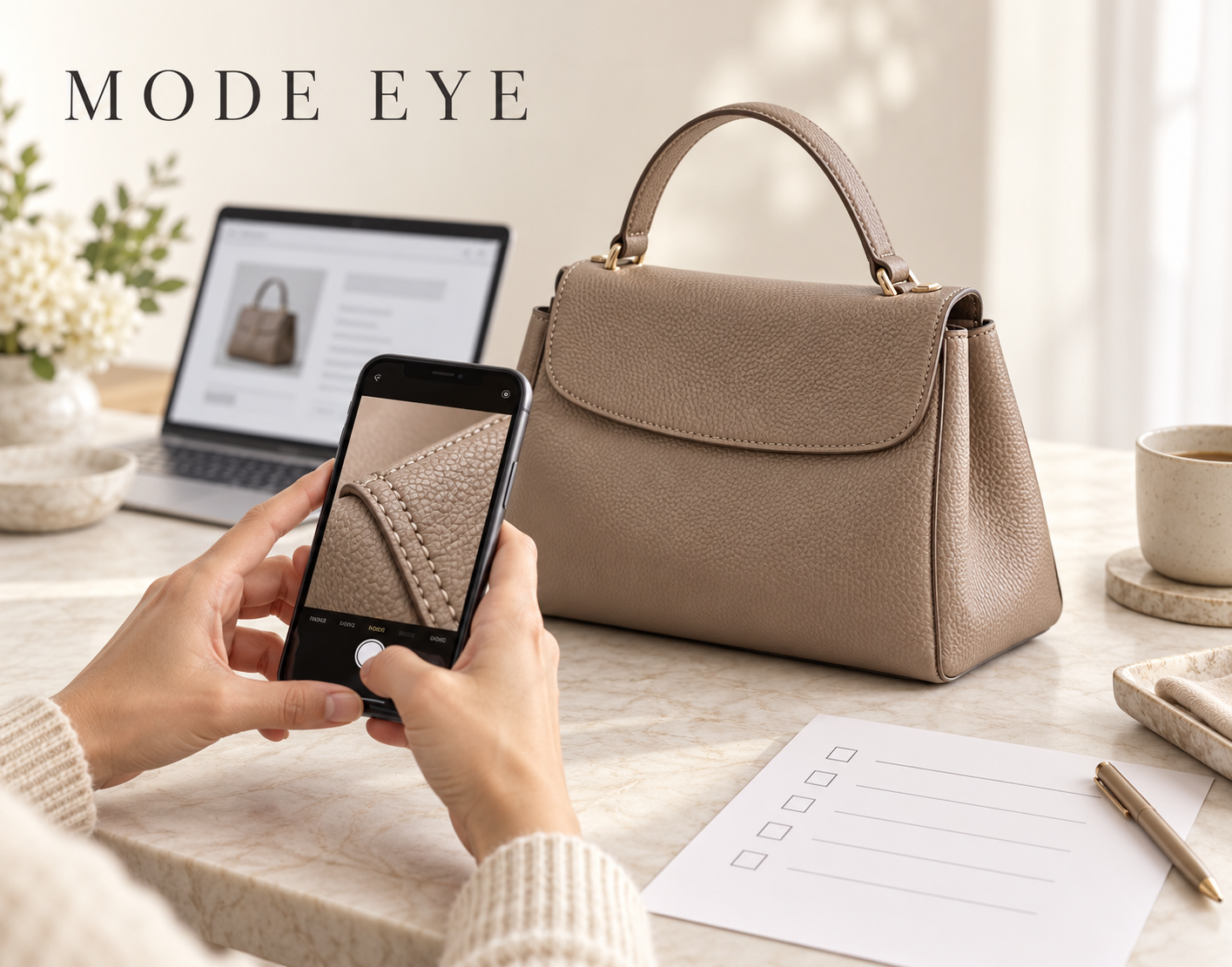
MODE EYE’s online authentication service lets you submit product information and photographs for review by professional authenticators. This guide explains how to prepare your materials, apply, and verify a certificate if one is issued. About Online Authentication
1. Check Eligibility and Fees
Start by checking whether your item falls within the service’s scope. The website lists authentication services for Hermès items, designer bags, clothing, and shoes.
Check the supported brands and application requirements as well as the category. Confirm the applicable fee when applying. Categories and Fees
2. Prepare Photographs Using the Guide
Follow the photography instructions for the relevant category and brand. Capture the specified areas clearly, including any required close-up details.
Use good lighting and check focus, reflections, and shadows. Before submitting, enlarge the photographs to make sure important details are sharp and fully visible. Photography Guide
3. Submit Product Information and Photographs
Open the application page and follow the on-screen instructions to enter the required information and submit your photographs.
Before sending, check that the details and images correspond to the same item and that nothing required is missing. Review the application conditions and fees before proceeding. Apply for Authentication
4. Respond to Any Requests for Additional Images
Professional authenticators review the submitted materials. Additional photographs may be requested if more information is needed.
If you receive a request, check which areas and details need to be photographed. Contact the service operator if any instructions are unclear. How the Service Works
5. Review the Certificate if Issued
The system issues a digital authentication certificate when an item is assessed as genuine and the issuance requirements are met. Not every application results in a certificate.
Depending on the certificate, its details may include the certificate number, issuer, issue date, brand, category, product information, and assessment. Certificates & Verification
6. Check the Current Online Status
Scan the certificate’s QR code or enter its number on the verification page. Compare the product information and check the certificate’s current status.
Certificates may be invalidated or reissued under a new number. Check the current online record alongside any saved image or PDF. Verify a Certificate
To get started, confirm eligibility and prepare clear photographs using the guide. Review the service information and FAQs before applying if you have questions. Frequently Asked Questions