How to Photograph Luxury Items for Authentication | Focus, Lighting and Key Details
Authentication Photo Tips
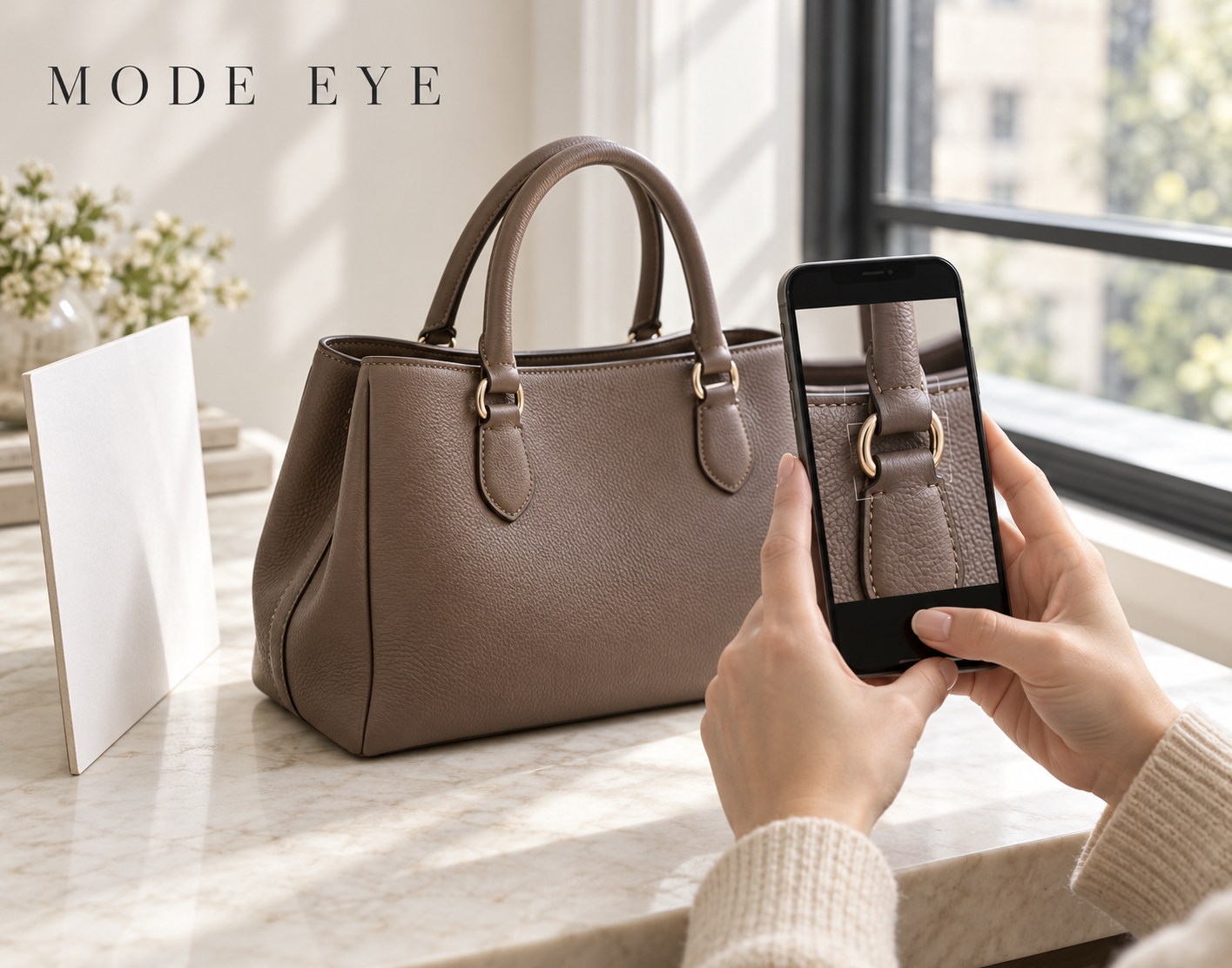
Photographs are important reference materials for online authentication. Alongside the item’s overall shape, they need to show relevant details such as logos, stamps, hardware, and stitching clearly.
The goal is to represent the item accurately. This guide explains practical focus, lighting, and framing tips based on MODE EYE’s photography guidance. MODE EYE Photography Guide
Check Category- and Brand-Specific Requirements First
Required photographs vary by category and brand. Before taking pictures, review the guide and application screen to identify the specified areas.
Logos and stamps are examples of possible requirements, but the same photographs are not required for every item. Follow the instructions for your particular product. Photography Requirements
Focus on the Detail That Needs to Be Seen
An overall image may look sharp while a small stamp or seam remains blurred. On a smartphone, tap the relevant area on the screen and allow the camera to focus before taking the photograph.
If the camera cannot focus at close range, move slightly farther away. Find a distance that captures clear detail rather than relying on heavy digital zoom.
Enlarge each photograph afterward and check that lettering, stitching, and hardware edges are sharp, with no doubled edges from camera movement.
Use Good Light Without Glare or Strong Shadows
Photograph the item in a bright room or near a window with indirect daylight. Make sure the relevant details are visible.
Reflections on metal or glossy materials can hide stamps and surface details. Adjust the item or the direction of the light until those details become clear.
Also check that your hands and phone are not casting shadows over the area. Avoid images with washed-out highlights or very dark sections.
Include Both Overall Views and Close-Ups
Overall views show the item’s shape and the relationship between its parts. Close-ups show individual features.
Depending on the instructions, photographs may include:
Overall shape and relevant sides.
Logos, lettering, and stamps.
Hardware and attachment points.
Stitching and seams.
Scratches, wear, and repair marks.
These are examples. Confirm the actual areas and number of images required in the guide and application screen. Overall Views and Detail Photographs
Avoid Filters and Show Wear Honestly
Filters that change color or texture, and edits that remove scratches, can obscure the item’s actual characteristics. Use unfiltered photographs at a resolution that preserves relevant details.
Show scratches and repair marks clearly, and include information about accessories when applicable. Accurate documentation is more useful than making an item appear flawless. Preparation and Photography Tips
Review Your Images Before Submitting
Check that every required area is included, all photographs show the same item, and fingers or shadows do not hide important details.
If the submitted materials are insufficient, MODE EYE sends a request for additional materials through My Page. Review the requested areas and retake the relevant photographs.
Clear images support the review process, but image quality alone does not determine an assessment or guarantee certificate issuance. Follow the instructions and show the item’s actual features. Apply for Online Authentication